Skip to the guide

Webcams

The view from here.

The catalog has one webcam link for Madonna di Campiglio: Live webcam. The pictures on this page are photographs.

Open the resort webcams

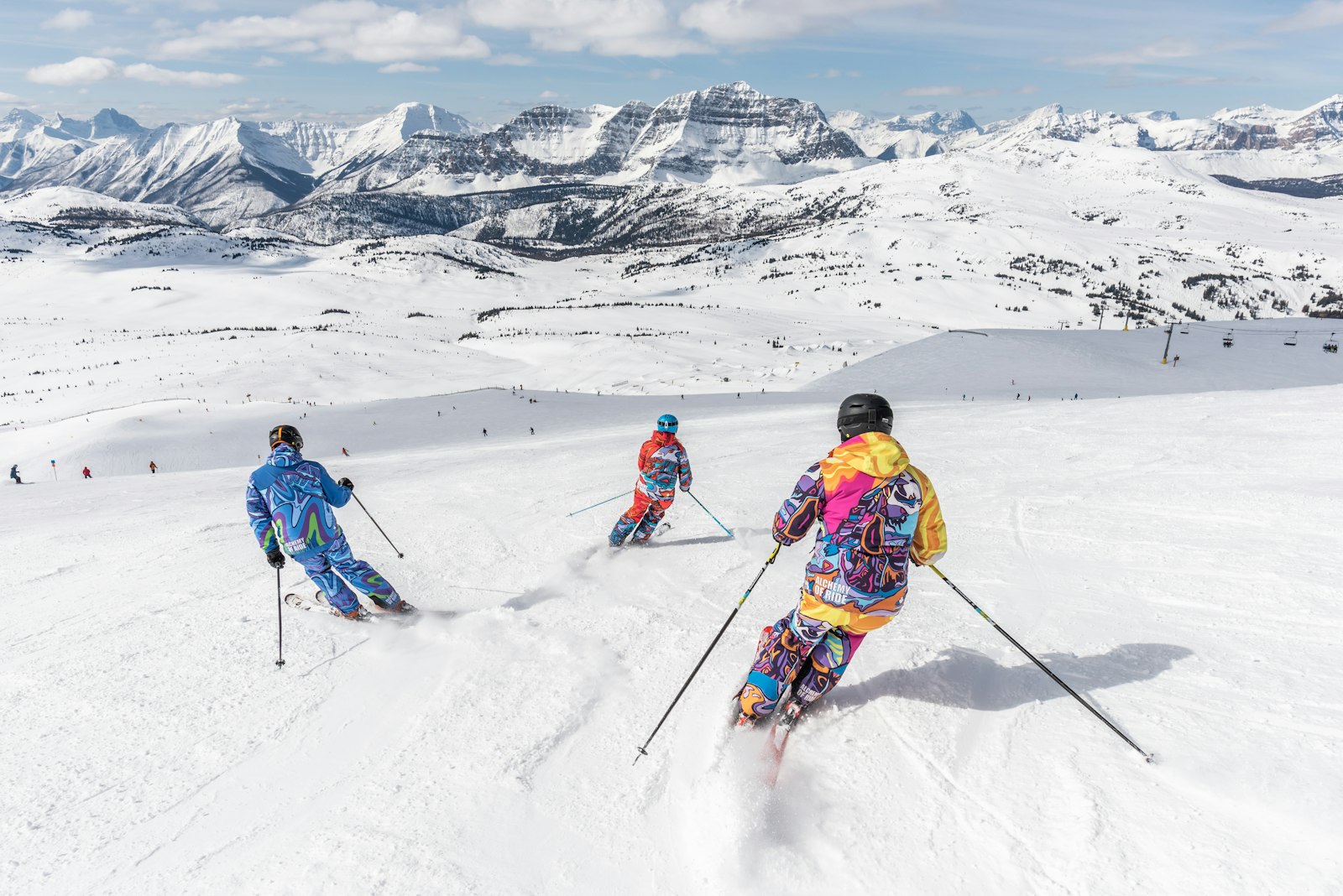
Skiers crossing a wide sunlit slope with rocky peaks behind them.
The open snow

Above the village

A bright, wide slope. A photograph, not a live camera.

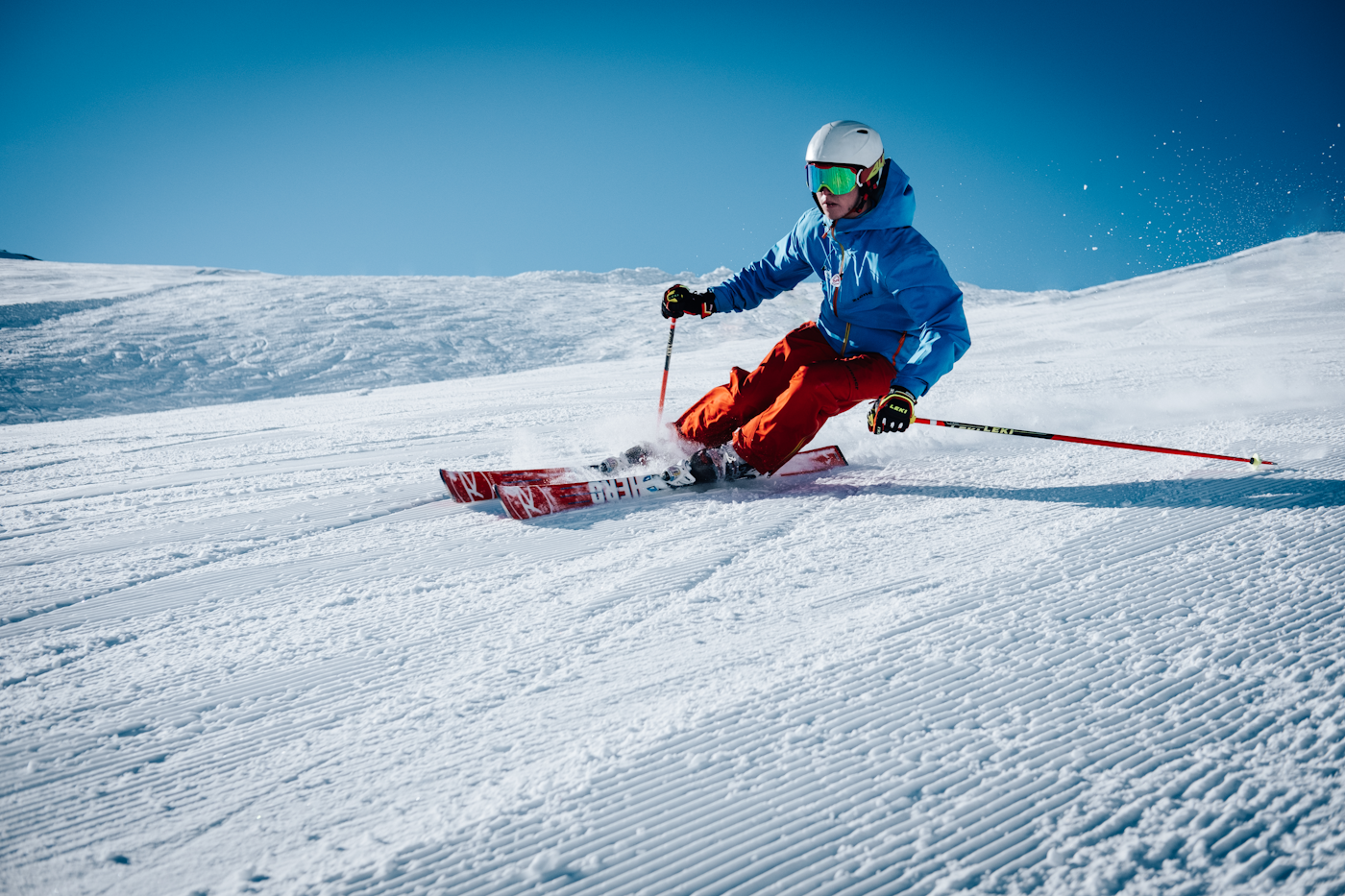
Close view of a skier carving freshly groomed snow under a blue sky.
The corduroy

First turns

Groomed snow and a clear sky. Photographs, not a live camera.

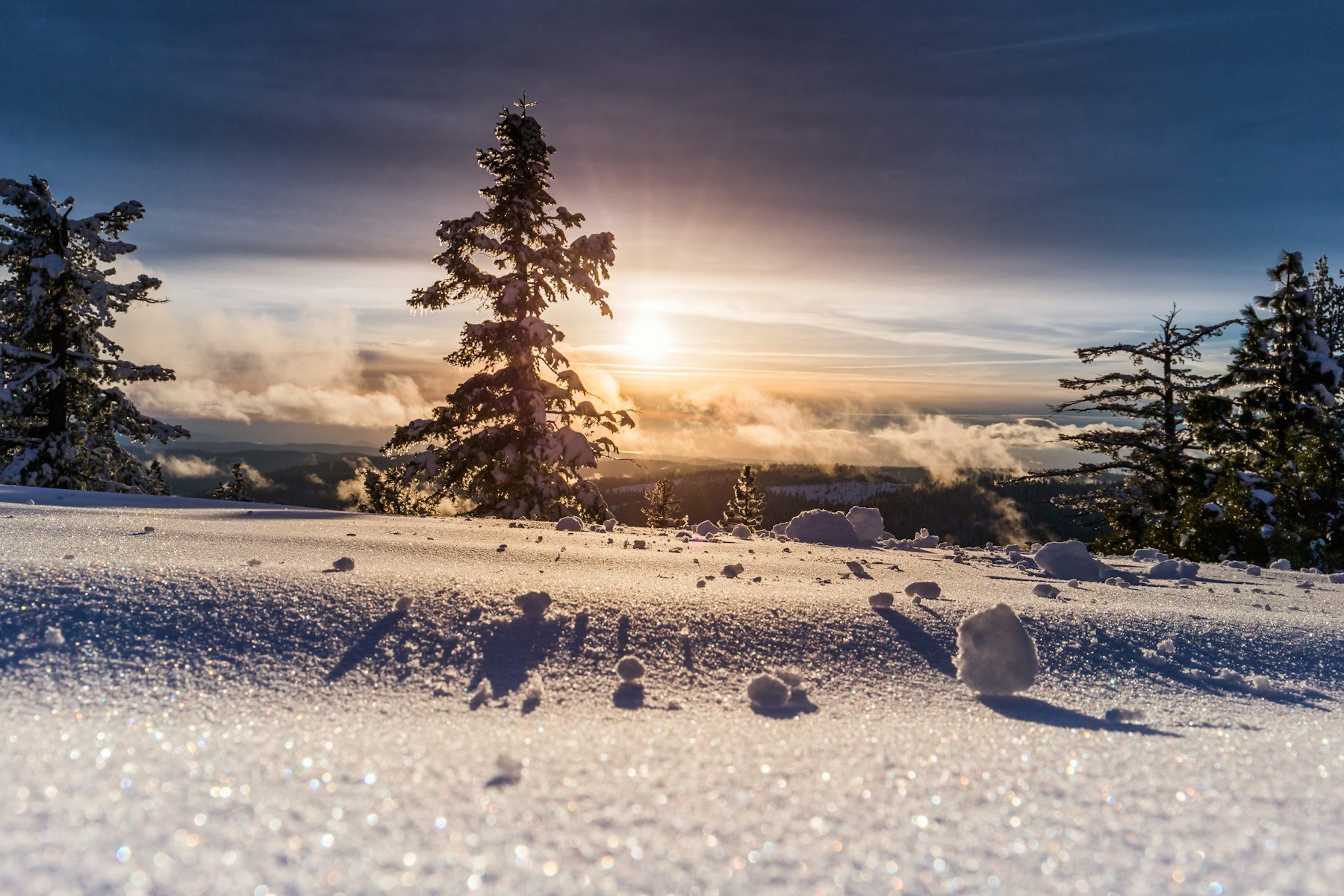
Sparkling snow in low sun, with snow-loaded evergreens on the skyline.
The light

Late in the day

Low sun and colder shadows. A photograph, not a live camera.

Season 26/27

About

Live snow intelligence for the mountains you love.

Snowwatcher is a live ski companion for season 26/27: 570+ resorts with Snowsure scores, powder alerts, weekend picks, forecasts, and webcams. This guide is the short list in France, Andorra, Italy, and Austria. Each card opens that mountain: the snow, the graded runs, the lifts, the passes, and the places.

How fresh is the data?

Weather and Snowsure refresh regularly. Snow depth, temperature, and the coming days come from Open-Meteo. Snowsure scores and the full forecast come from SnowSure. Graded runs and lifts come from the Snowwatcher catalog. Webcams are live when the resort publishes them. Pass prices are the catalog rates, plus any newer figure saved for that resort.

Data and attribution

Snowwatcher combines trusted snow, weather, and map providers.

  • SnowSure. Resort snow scores and the full forecast.
  • Open-Meteo. Temperature, wind, snow depth, and the days ahead.
  • MapTiler and MapLibre. The piste map.
  • The wider map also uses Copernicus satellite snow cover, OpenWeather, and OpenStreetMap places.

Product names belong to their owners. Snowwatcher is an independent guide.

Snowwatcher — Season 26/27
Get in touch

Contact us

We usually reply within one business day.

By sending, you agree we may use your details to reply. See the Privacy page.

Snowwatcher

Help

The list is where you start. A mountain page is where you read.

The resort list

  1. 1
    Pick a country

    France, Andorra, Italy, and Austria. Up to six resorts, in Premium, Medium, and Cheaper bands.

  2. 2
    Read the card

    The rail on the right is the weather, the Snowsure score, and the snow depth.

  3. 3
    Open the guide

    Every card opens that resort. Change Resort brings you back to the list.

Choose a country on the list, or open an address such as resorts.snowwatcher.com/france. The main list shows all four.

On the mountain page

The bar at the top jumps down the same page.

Mountain Ski Runs Snow and Weather Lifts Lift Passes Food and Drink Webcams Guide Emergency

The photograph

Summit, vertical, annual snow, and the day the season closes. Explore the Mountain opens the piste map.

The piste map

Runs are drawn in their colours. Click one and its card stays on the map: grade, length, and drop. The control at the top right fills the screen.

Today

Now, Snow, Snowsure, and Lifts sit under the map. Snowsure reads low, middle, or high. Lifts follow the catalog: closed for the season, or open.

Snow on the ground

Depth leads, with the past seven days, the next fourteen, and the wind. Full forecast opens the Snowsure report, including past winters as a bar chart.

Weather

The Weather card opens past days and the forecast. The period buttons change the chart, at the resort's own coordinates.

Lifts

The Lifts line is how many the catalog lists. The lifts page groups the names by type. It is the lift map, not a live queue.

Passes

The small card shows the adult day and the adult week when the catalog has them. A child rate and a family rate appear only when they have been saved. This guide does not sell passes.

Food and drink

A place opens its card: the address, the hours, the phone, the email, a description, and a photograph when they are listed. All places opens the full page, and each card there opens the same details.

Webcams

The webcam card plays the picture or the video. View all webcams opens the resort's own page when an address has been saved, and this guide's page otherwise.

Emergency numbers

The red Emergency link opens the Emergency numbers panel. 112 is first. Local lines are listed when they have been saved. Resort location is the mountain. My location reads this phone when you allow it.

The guide

The last section is the catalog overview: the domain, the runs, and the season in one place.

Every mapped run

Browse all runs lists the pistes. Filter by grade, search by name, and sort by name, length, steepness, or drop. A run with no name is Unnamed piste. Click a row for a map of that line. If the catalog has no trace, the window says so.

On a phone

The bar at the bottom is Resort, Runs, Weather, Emergency, and More. Emergency opens the numbers. More holds the lifts, the passes, the food, the webcams, the guide, and Change resort.

Cookies

The banner asks before Google Analytics loads. Reject leaves it off. That choice stays in this browser. The Privacy page explains it.